AI agent or chatbot: what does an operations team actually need?
The difference between a chatbot and an AI agent for an operations team, how to tell which one a job needs, and where a person still decides.
An operations team usually needs an AI agent, not a chatbot. A chatbot answers questions in a chat window, and someone on the team still has to take that answer and do the work. An agent works inside the team's inbox, files and rules: it reads the request, prepares the reply or the document, and stops for a person before anything important goes out. If the job ends with "now someone copies this into an email", a chatbot will not save much time.
Step 4 is the one that matters most: the agent prepares, a person decides.
What does an operations team lose without either?
Picture a normal request. A client emails asking for a price. The person who opens it reads the thread, then goes looking: the rate sheet in one folder, the policy in a PDF, the last similar quote in someone's sent mail. They build the numbers in a spreadsheet, write the reply, and set themselves a reminder to chase it. Then the next request arrives, and the same search starts again.
None of this is hard. It is constant. The context sits in too many places, and every request starts with someone putting it back together.
If you have tried a chatbot for this, it probably helped with the writing. A chat window that only sees what you paste cannot do the searching, the spreadsheet, the reminder or the sending.
You can measure how much of your week this is without any tool. Take ten requests from last week. For each one, write down how many places someone had to open before they could reply, and how much of the reply was copied from somewhere else. If most of the time went into finding and copying, the job needs something that can reach those places.
What is the actual difference between an AI agent and a chatbot?
A chatbot writes text for you to use. An agent prepares the work itself.
The difference is where it works and what it is allowed to do.
Three things make the difference in practice:
- What it can see. A chatbot sees what you paste into it. An agent works where the work already is: the email or WhatsApp thread, the files, the company's guidelines, and previous work on the same client.
- What it produces. A chatbot produces text. An agent produces the thing the team was going to make anyway: a draft reply, a pricing sheet, an itinerary, a dashboard, a link to share.
- What happens next. A chatbot stops when the conversation ends. An agent can run a longer task in the background, schedule a follow-up, and come back when there is something for a person to decide.
For operations work, an answer on its own is rarely the finished product. The useful output is usually a file, a draft or a link.
What does an agent look like on a real screen?
Here is a request handled by Wandero, from our What is Wandero post. A client emailed asking for a family trip. The agent narrates what it does as it goes, and each grey line is a step you can open and check:
1 and 2: the work happens in steps you can open and check. 3: it says what is not final and that nothing went to the client. 4: it asks before the next step. Example with test data.
- It checks what the company has before drafting anything, instead of inventing options.
- It builds the proposal and a pricing sheet, and marks the rates it could not confirm for follow-up rather than guessing them.
- It says plainly what is not final, and that it did not send the proposal.
- It asks what to do next.
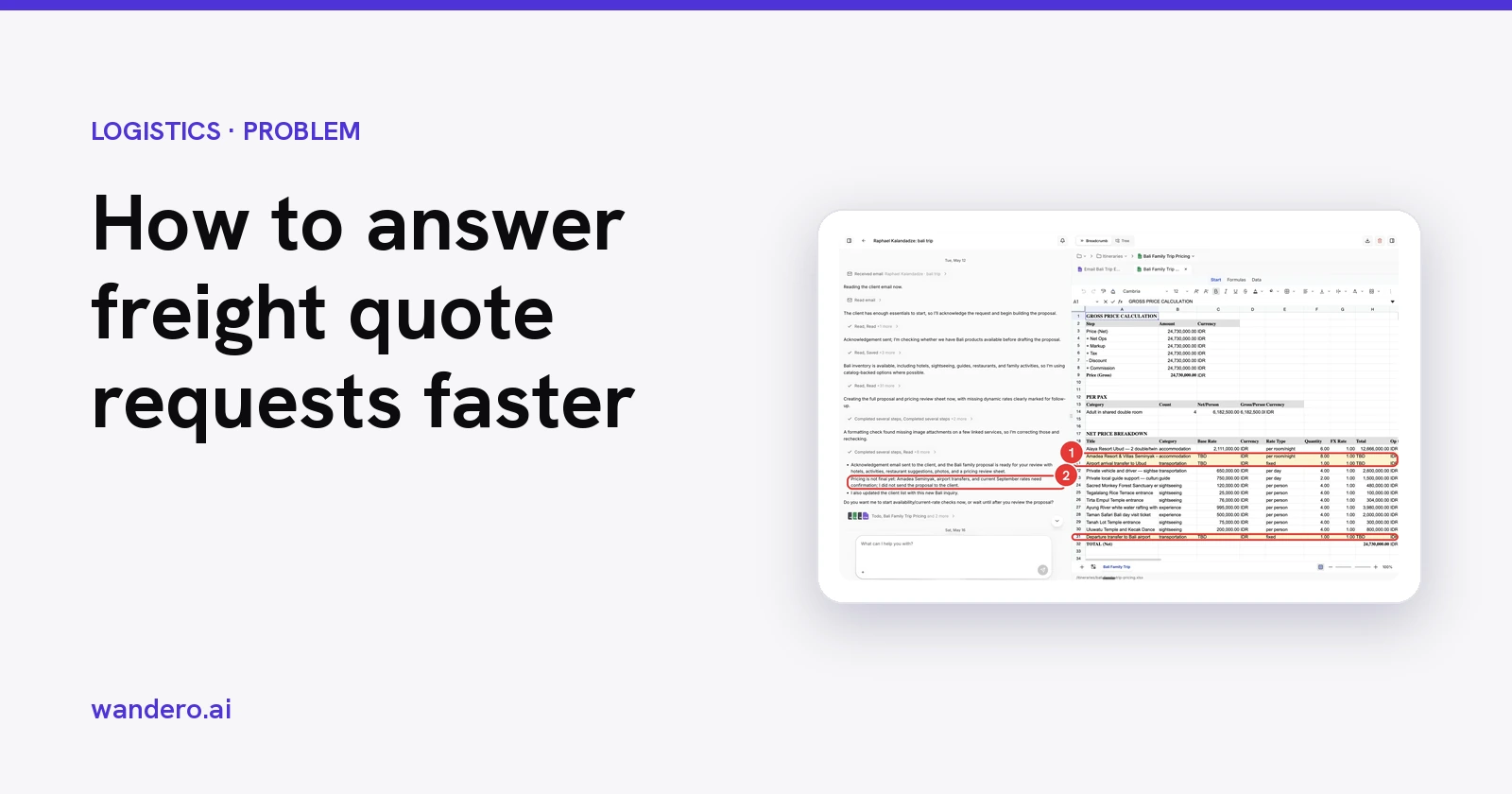
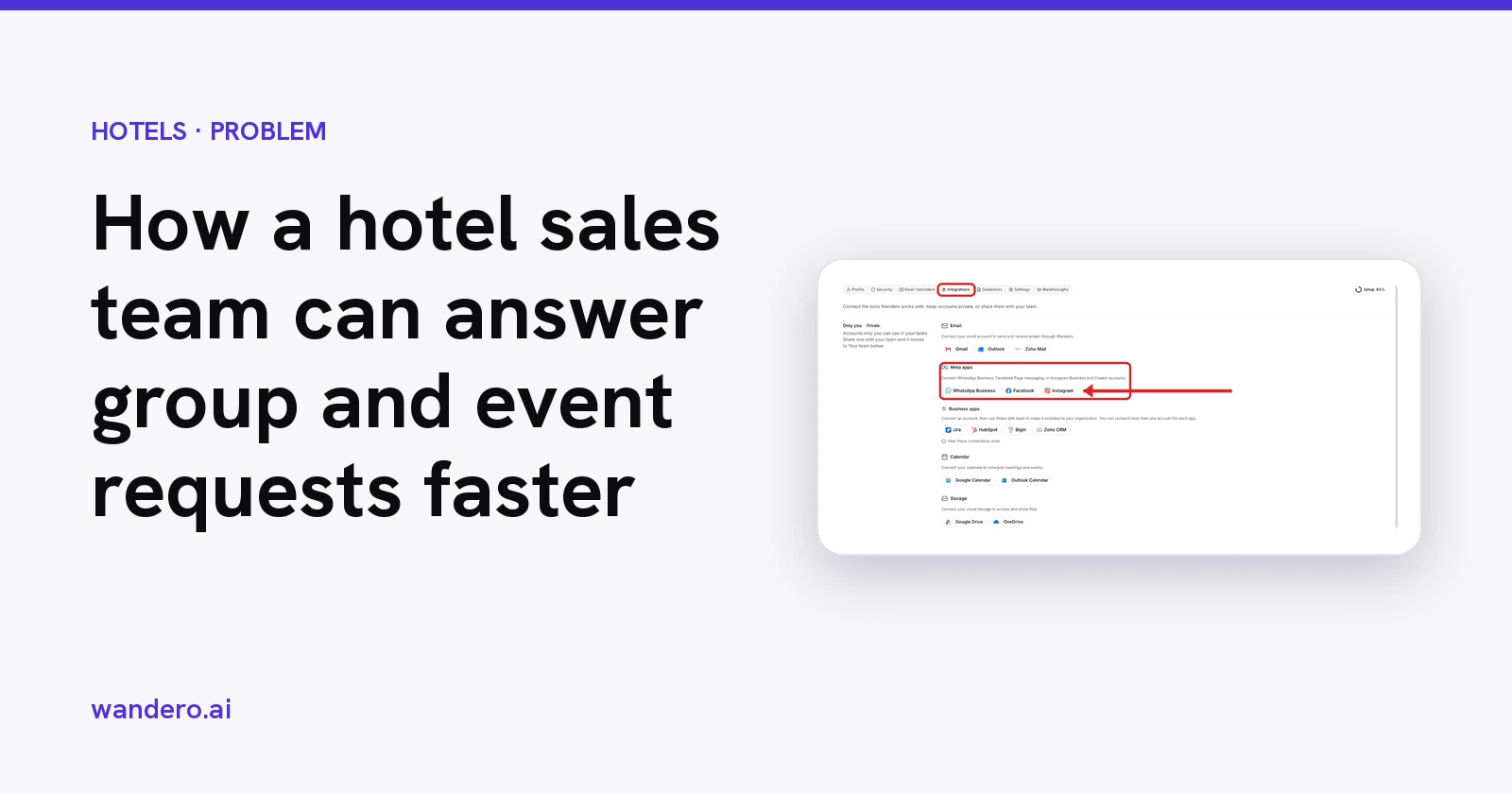
This trip is a travel example. The same pattern fits a hotel answering a guest or a freight team preparing a quote from its own rate sheet. Our solutions by business type show each version. For a hotel, live room availability, reservation changes and PMS connections have to be confirmed for its setup. For logistics, live freight rates, carrier booking, dispatch and tracking are not part of the example.
How do you tell which jobs need an agent?
Ask three questions about the job:
- Does it need information from more than one place (a thread, a file, a policy)?
- Does it end in something other than text, such as a sheet, a document or a sent message?
- Does it need a next step later, like a reminder or a chase?
If the answer to all three is no, a chatbot may be enough. Rewriting a paragraph or answering a one-off question is chatbot work. If the answer to any of them is yes, you want something that can reach those places and do those steps.
The repeat work is often the easiest place to see it. Here a team member asks for a dashboard to be refreshed every morning:
1: the request, in plain words. 2: the step it took. 3: when it will run next. Nobody has to remember it. Example with test data.
A chatbot can tell you how to build that dashboard. An agent sets up the task and keeps doing it.
What if you already tried a chatbot and it didn't help?
A general-purpose chatbot on its own starts from a blank prompt. It does not know your rates, your cancellation policy, your tone, or what was promised to this client last month. So someone has to explain all of that every time, check the answer, and then do the actual work by hand. The time saved on writing is lost on explaining and copying.
An agent is set up the other way round. In Wandero, company guidelines, user preferences, supplier data, inventory, previous tasks and saved documents are context the agent can use when it works. It is not starting from a blank prompt every time. And the output lands where it is used: a reply ready to send, a file in the task, a link the client can open.
It still needs your team. Someone has to teach it the rules for the job and review what it produces, and the approvals stay tight until the output is right.
Where does a person still decide?
Before anything consequential goes out, a person does. Your approval rules decide which actions pause.
1: a draft waiting for a person, not a sent email. 2: the text you can change before it leaves. Example with test data.
- When the agent has an outgoing email or WhatsApp message ready, it shows up as an approval request instead of a sent message.
- You can edit the draft before it goes.
At the bottom of the card, below this crop, Approve & Send sends it, edits included. Reject stops it, and the feedback you type tells the agent what to change.
Nobody has to answer straight away: the agent waits without a time limit and carries on once someone decides. We explain the whole flow in Why Wandero asks before it replies.
Some work can run on its own: sorting incoming leads, summarizing a thread, checking a request for missing information, preparing a first draft. Other work should pause: a sensitive client email, a changed quote, a message to a supplier, a page shared publicly. The team decides the rules, and can tighten the approvals or expand as it goes.
Without Wandero, you can apply the same rule to any tool: write down which messages always need a second pair of eyes, and make sure nothing on that list can leave without one.
Common questions
Is an AI agent just a chatbot with more features? No. A chatbot answers in a chat window; an agent works with your inbox, files and rules, produces drafts and documents, and pauses for approval before it sends.
Will the agent send things without asking? Only what your rules allow. Outgoing email and WhatsApp messages can wait for a person to approve, edit or reject them, and the team decides which actions need that step.
Does it remember our way of working? It uses company guidelines, user preferences, saved documents and previous tasks as context, so it does not start from zero on every request. It can also search earlier tasks, under the same permission checks a person has in the app.
Can it do work that takes hours? Yes. Longer tasks can run in the background, and the agent can schedule its own follow-ups, like a price check tomorrow morning. Anything high-stakes still stops for approval when it wakes up.
Start with one workflow
You do not have to change how the whole team works. Pick one job that eats the most time, such as answering new requests, preparing quotes or sending follow-ups. Give the agent the rules for that job, review what it produces, tighten the approvals, then add the next one.
A chatbot gives you an answer to check. An agent gives you the work to check.
Book a demo and bring a week of your real requests.