How to answer freight quote requests faster
Where freight quote requests stall, from missing cargo details to scattered rate sheets, and how a logistics team can get a checked quote out sooner, with or without Wandero.
A freight team answers quote requests faster by fixing the wait before the pricing, not the pricing itself. The delay usually comes from three places: details that arrive in pieces, rates that have to be pulled together by hand for every reply, and follow-ups with no clear owner. Capture the route, cargo and timing in one brief, ask for the missing pieces straight away, price from one current rate sheet, and have a person confirm the rate before it goes out.
That works with a shared inbox and a spreadsheet. It works better when one system holds the conversation, the files and the next step together. Below, each step is shown both ways.
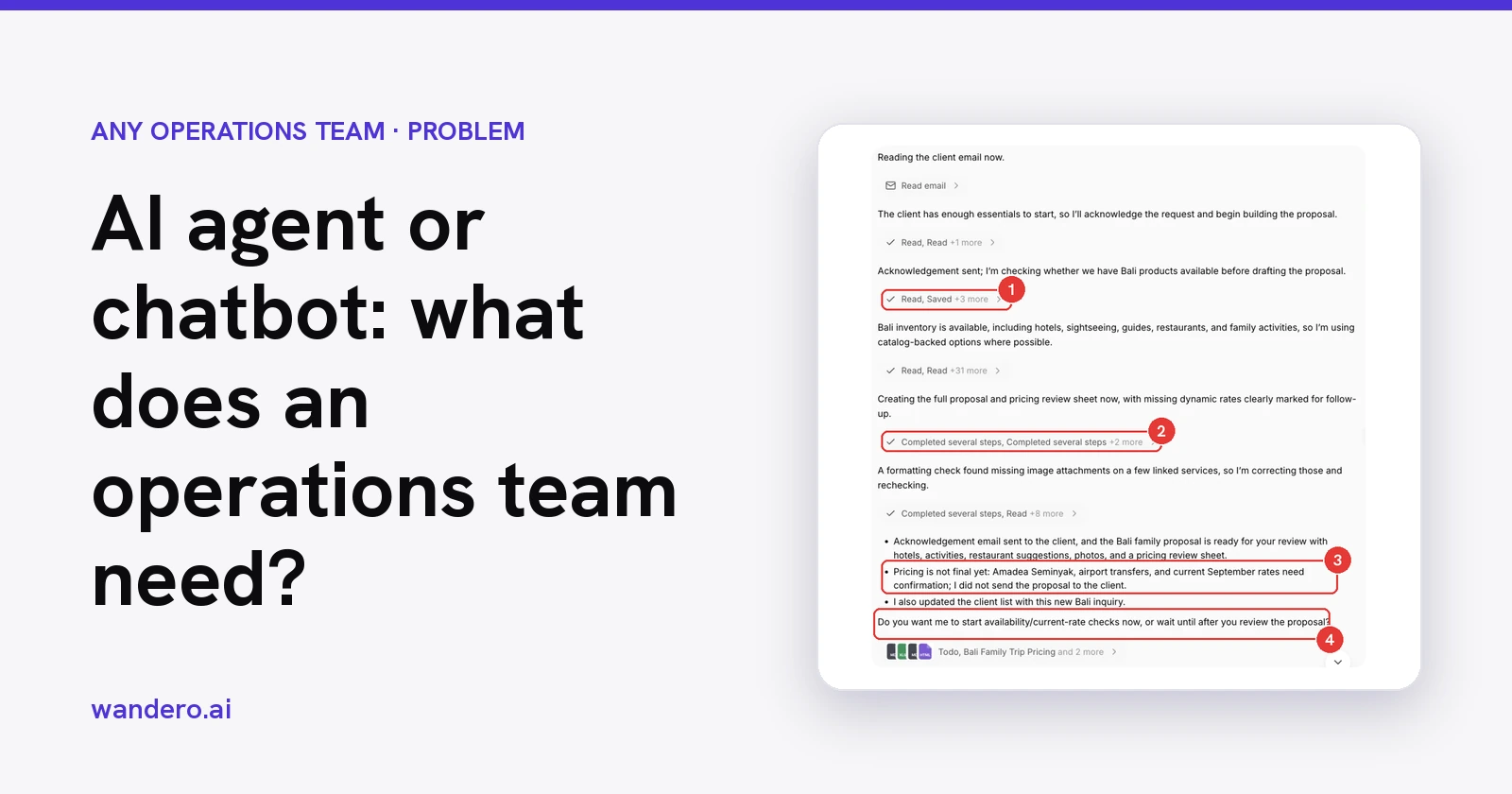
Step 4 is where a person decides: the team checks the rate, capacity and conditions before anything is offered.
Where does a freight quote request actually stall?
Picture a normal one. A customer emails asking for a price to move four pallets between two cities next week. The message names the collection city. It does not give the delivery address, the pallet dimensions, or whether the goods need special handling.
The email lands in a shared inbox. Two people read it, and each assumes the other will reply. On day two, someone asks for the delivery address but forgets the dimensions. The answer comes back on WhatsApp, to a different person. On day three, whoever prices it opens two rate sheets, because nobody is sure which is current, then asks a partner to confirm capacity in a thread only they are watching.
Nobody was slow. The request just kept waiting for the next person to pick it up.
Our page for logistics teams names the same three stalls:
- route, cargo, collection dates and special requirements arrive in separate messages;
- rate sheets, company rules and customer requirements have to be assembled for each response;
- open questions and dependencies need a clear owner and a visible status.
You do not need a tool to measure this. Take last week's quote requests and, for each one, write down when it arrived, when the customer got a first reply, and when they got a price. Then note what the gap was waiting on: a missing detail, a rate, a partner, or simply nobody. That list tells you which of the steps below to fix first.
The work is the same on both sides. What changes is how long it waits between people.
How do we stop requests waiting in the shared inbox?
Give every request one place and one owner as soon as it arrives.
Without new software, that can be a rule: whoever opens a new quote request first writes their name on it, with a label or a line in a tracking sheet, before doing anything else. WhatsApp requests get copied into the same list. It is manual, but it ends the "I thought you had it" gap.
In Wandero, Gmail, Outlook, Zoho and WhatsApp conversations come into one shared workspace. Each request becomes a row in one list, with its tags, its owner and its last action:
- A small badge on the row's icon shows the channel it came in on. WhatsApp conversations sit in the same list as email.
- The Owner column shows who has it.
- Needs you, the group at the top of the list, holds the requests that are waiting for you, the most urgent first.
Owners, tags and filters separate the threads that need action from the ones already moving.
Long threads are summarized and linked to the customer and the files they concern, so whoever picks a request up does not have to scroll back through it.
How do we get the missing details on the first reply?
Write the brief first, and let the gaps decide the first message.
A useful brief for a freight request has the same few lines every time: route, cargo, timing, contact details, and a list of what is missing. Your team can keep it as a short template. The point is that the first reply to the customer asks for everything missing at once, not one item per day.
In Wandero, this is the first step of the workflow on our logistics page. It summarizes the route, cargo, timing and contact details from the enquiry and lists what is missing. For the four pallets, that is the delivery address, the pallet dimensions and the handling requirements. It then drafts a reply asking for those details. A team member reviews it, edits it if needed, and sends it.
If your team gets a steady flow of requests, a triage check like this can run on a schedule. An automation in Wandero has a schedule and written instructions, and those instructions can say what it must not do:
1: when it runs. 2: what it does, in plain words, including what it must not do. Sample travel prompt. Example with test data.
A freight team would write its own version: check each new quote request for route, cargo, dates and handling, flag what is missing, and create follow-up tasks, without sending anything to customers or partners.
How do we turn a rate sheet into a quote without retyping it?
Keep one current rate sheet per service, with a named owner and a date it was last updated. That alone removes the "which file is right?" step, with or without software.
Then write down your quote rules: the surcharges you apply, how long a quote is valid, and the conditions that go with it. If only one person can apply them today, write them down, so anyone on the team can.
In Wandero, once the customer's answers are in, it prepares a price breakdown from the rate sheet and company rules your team has supplied, and keeps the source file attached to the draft. Rate sheets, contracts and forms can come from Google Drive, and pricing sheets from Google Sheets; our Google Drive and Sheets integration page lists exactly what that connection can and cannot do.
The draft shows its gaps instead of hiding them. Here is a pricing sheet Wandero built for a travel request, from our What is Wandero post:
1 and the unnumbered box: rates it could not confirm are marked TBD, not guessed. 2: it says the price is not final and that nothing was sent.
In a freight draft, look for the same thing: a lane or surcharge your sheet does not cover should be marked open, not guessed.
What if our rates change too often to automate?
Then do not automate the rate. Automate everything around it.
Wandero does not fetch live freight rates, book carriers, dispatch or track shipments in this flow. A draft quote is only as current as the rates your team supplies. If your rates change weekly, the draft is right only if the sheet was updated this week.
What still helps is everything that is not the rate: the brief, the first reply asking for missing details, the price breakdown laid out from your rules, the source file attached, and the follow-up with an owner. Those parts do not go stale when rates move.
And a person confirms the number. In the logistics workflow, the team checks rate validity, capacity and commercial conditions before anything is offered. Outgoing email and WhatsApp messages can wait for a person's approval, if your approval rules say so, and that person can approve, edit first, or reject with feedback. We explain how that pause works in Why Wandero asks before it replies.
How do we keep partner follow-ups from getting lost?
Every open question to a partner needs three things written down: what you asked, who asked it, and when you will chase it.
In a spreadsheet, that is a "waiting on" column and a "chase on" date. It works as long as everyone updates it.
In Wandero, after approval the reply goes out, and the next action, such as chasing a partner's confirmation, is recorded with an owner. A message can become a quote, a document or a scheduled follow-up without losing the original thread.
Common questions
Can Wandero use our existing rate sheets? Yes. Supplied spreadsheets and company documents can give context for draft quotes. Your team stays responsible for checking current rates and conditions.
Can a quote be sent without anyone reviewing it? Your approval rules decide that. A quote and its message can be held until a person reviews, edits and approves them.
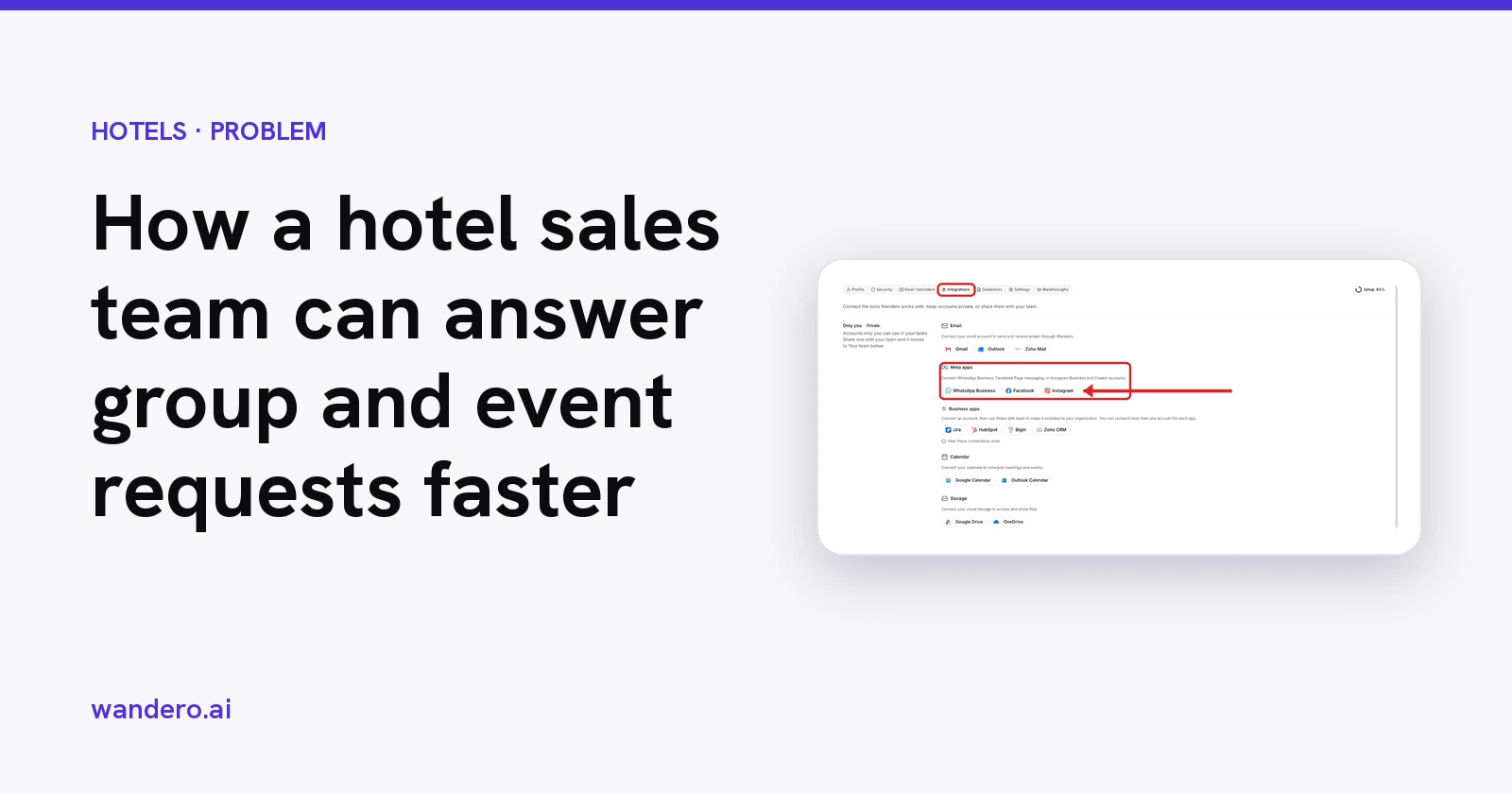
Which channels can freight enquiries come from? Gmail, Outlook, Zoho and WhatsApp. Customer enquiries and partner replies are organized in one workspace.
Does it connect to our transport management system? No specific integration is promised. The transport management, tracking or accounting tools you rely on are reviewed with you before scope is agreed.
Try it with your own requests
Before a call, write down five things: where quote requests arrive, which rate sheets are current and who keeps them, your surcharges and validity rules, which messages must always be checked by a person, and the systems you will keep. That list shows quickly where Wandero helps and where it should stay out of the way.
The rate is the part your team checks. Everything before it should not have to wait.
Book a demo and bring a week of your real quote requests.