How a hotel sales team can answer group and event requests faster
Where hotel group and event requests stall, and how to fix each stall: one list for every channel, an owner on arrival, drafts from your policies, a person on rates.
A hotel sales team answers group and event requests faster by cutting the waiting around the reply, not by typing faster. Put every request in one list, whatever inbox or chat it came through. Give it an owner the moment it lands. Draft the answer from the hotel's own policies, and leave only rooms, rates and the final yes to a person.
Why do group requests wait so long for a first reply?
You know this week.
An event planner emails events@ on Friday afternoon: a team offsite, a block of rooms, a meeting room, dinner on the first night. On Saturday the same planner sends a WhatsApp to the number on your website, asking whether the email arrived. On Monday someone in reservations sees the email, assumes sales has it, and moves on. Sales sees the WhatsApp, but the details are in the email. The draft reply waits for the revenue manager, who does not know it exists.
Nobody in that story was lazy. Every step was easy. The time went into the gaps:
- The request came in on a channel nobody was watching that day.
- Nobody owned it, so everyone assumed someone else did.
- The answers were known but scattered: breakfast hours in one file, the late-arrival process in another, the meeting room in somebody's head.
- The reply needed a manager's check on rooms and rates, and nobody asked.
Our page for hotel and hospitality teams names the same pains in its own words: scattered guest details, repeated policy questions and unclear handoffs.
Before you change anything, measure it. Take last month's group and event requests, note how many waited more than a day for a first reply, and write down which channel each one arrived on. That short list tells you which gap to close first.
The work is the same on both sides. What changes is how long the request waits between steps.
How do you get every group request into one list?
Stop treating each channel as its own job. A group request is one conversation, even when the planner writes three times through three apps.
In Wandero, email from Gmail, Outlook and Zoho and WhatsApp conversations land in one workspace. Since the 27 October product update, Facebook Messenger and Instagram messages do too. Each Messenger or Instagram conversation opens as a task named after the client, with a short summary of the thread, and every new message from that client lands in the same task. (A task is one piece of work in Wandero: a chat with its files. Older posts and screenshots call it a session.)
A Messenger conversation as its own task: the message in the chat, and the thread beside it.
You connect the channels in one place:
- Click your profile picture at the bottom left, choose Account Settings, then open the Integrations tab.
- Under Meta apps, choose WhatsApp Business, Facebook for your Page's Messenger, or Instagram. Email accounts sit just above, under Email.
Steps 1 and 2: the Integrations tab, then Meta apps.
If your hotel runs more than one address (sales@, events@, reservations@, info@), the Inbox filter (Workspace → Filter → Inbox) shows only the tasks from the inboxes you tick, with a chip that tells you the filter is on. It lists your connected Gmail, Outlook and Zoho Mail addresses and the ones teammates share with the company, along with connected WhatsApp numbers, Facebook Pages and Instagram accounts. An events manager can start Monday with events@ alone.
One honest limit: Meta lets businesses reply within 24 hours of the client's last message. A request that arrives on Messenger or Instagram needs a fast first answer, even if that answer is only "we have it, the full proposal follows tomorrow".
Without Wandero: list every address and phone number that receives group enquiries, and next to each one, the person who answers it. Any line without a name is where requests go missing.
Who should own a group request, and when?
The moment it arrives. Not when someone gets round to it.
Wandero lets you write simple, plain-English rules for who handles which incoming email, and applies them when a new message arrives, so the right person owns the conversation from the first reply. The product update that introduced them gives two examples: send French inquiries to one teammate, or route everything addressed to your bookings inbox to the bookings team. "Everything sent to events@ goes to the events team" is the same kind of rule.
When a request needs both sales and the events lead, give the conversation more than one owner. Collaborators can open it, reply, run Wandero and approve actions, and it appears in their own workspace list, so a second pair of eyes does not mean a forwarded email.
In the workspace list, a small badge on each row's icon shows the channel the request came in on, and the Owner column shows who has it: the primary owner first, then any collaborators.
Ownership only helps if the owner sees what is waiting on them. Open Wandero in the morning and the Needs you group sits at the top: the questions, approvals and decisions that are yours, the most urgent first. You can clear most of them from the list itself with Decide, Approve or Add info, without opening the task. A request that has to wait for the revenue meeting gets Not now, and comes back in an hour, tomorrow morning or next Monday.
Without Wandero: add two columns to your request log, Owner and Waiting on (us, the planner, or a manager). Sort by Waiting on every morning.
How do you draft the reply without promising rooms you don't have?
Split every reply into two parts: what the hotel already knows, and what a person has to confirm today.
Here is how that works on an illustrative request (an invented example, not a customer result). An event organizer emails about a team of twelve arriving late on a Thursday. They ask about late check-in, breakfast times, a vegetarian dinner option and a quiet room for a morning meeting.
- Read. Wandero reads the email and lists the arrival details and requests. It also notes what the organizer left out, such as the expected arrival time and how many rooms are involved.
- Check your own guidance. It looks for answers in the policies and files your team has supplied, for example breakfast hours and the late-arrival process. Where it cannot find an answer, it says so instead of guessing.
- Draft. It writes a reply in your preferred tone, plus a short internal arrival brief for the front desk and guest-service team.
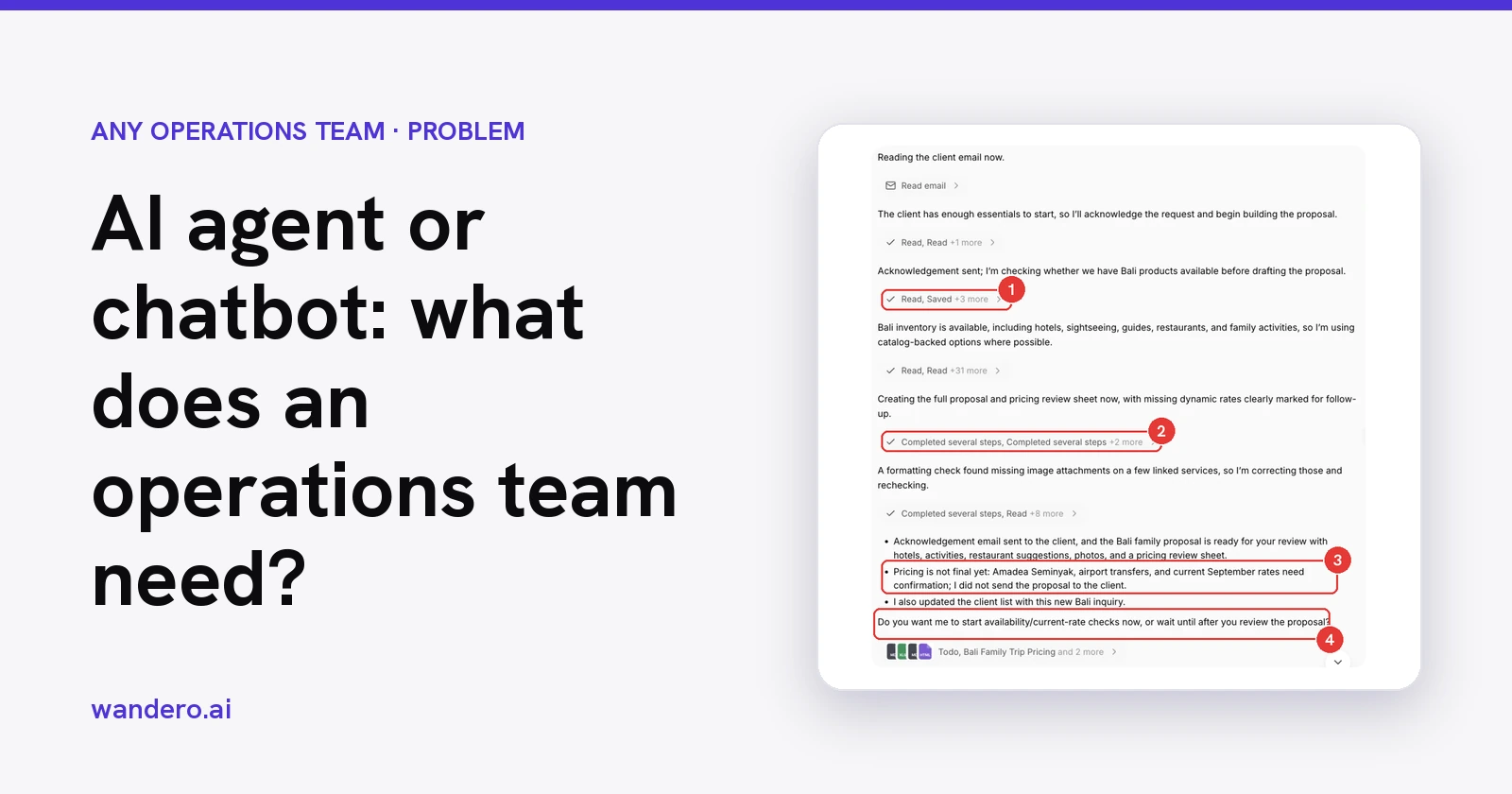
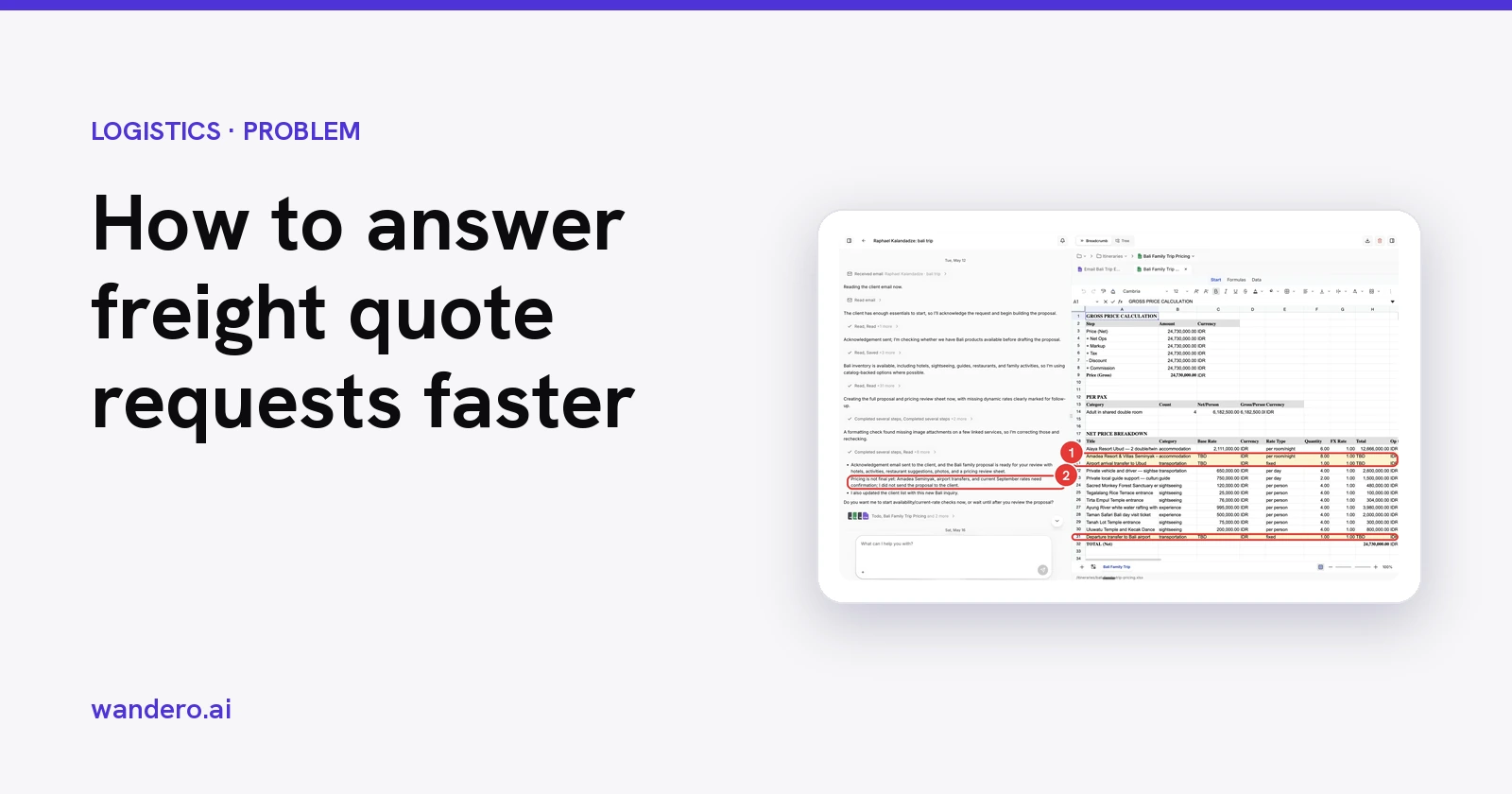
- Flag for staff. Room availability, rates, the meeting room and the dinner option go on a list for a person to confirm. Wandero does not assume live availability or change reservations. Those stay with your team and your existing systems.
- Approve and follow up. A team member edits and approves the reply. The open questions and the next follow-up stay on the request, so the next shift can see what is still waiting. If you share the proposal as a file from Wandero, you also get an alert when the planner opens it.
Step 4 is where a person confirms rooms, rates and meeting space before the reply is approved.
Your approval settings decide when the agent asks before it acts. On a new account, email, WhatsApp, Messenger and Instagram replies all wait for your approval until you switch that off. On an email reply, the approval card shows the planner's original message folded below the draft, so you check the answer against the question before you approve.
If you want, you can switch approvals off for a single task that you trust. The agent still stops when it has a question for you.
Without Wandero: write a one-page "group answers" sheet with the policies your team looks up most: breakfast, arrival, cancellation and service details. Then write a second list: the promises that always need a manager. Pin both where sales can see them.
"Our PMS already does this." Does it?
Your PMS is where rooms, rates and reservations live, and it should stay that way. But the group conversation does not live there: the Friday email, the Saturday WhatsApp, the question about the vegetarian dinner, the note that the revenue manager still has to check the block.
Wandero does not replace your PMS, and no specific PMS integration is promised. We review your existing systems and workflow before agreeing on scope. What Wandero covers is the work around the PMS: the request, the owner, the drafted reply, the approval and the follow-up.
So be clear about where a person still checks:
- Room availability and rates, in your own systems.
- Meeting space, food and beverage, and any exception to policy.
- Every outgoing reply your approval settings hold for a person. On a new account, that is every email, WhatsApp, Messenger and Instagram reply.
What should you map before you change anything?
Whatever tool you use, a short map of today's process keeps the change honest. Our hospitality page lists what to map before a workflow review:
| Write down | Why it matters |
|---|---|
| Every address and WhatsApp number that receives group enquiries, and who answers each one | Shows the channels nobody watches |
| The breakfast, arrival, cancellation and service answers your team looks up most, and where they are kept today | These become the guidance replies are drafted from |
| Which requests move from reservations to the front desk or guest services, and how ownership is recorded | Shows where handoffs drop |
| Which replies and promises always need a staff member's review | Becomes your approval rules |
| The property management and booking tools you keep | Sets the boundary: what stays in your systems |
Common questions
Can Wandero book rooms or change reservations? No. It does not assume live room availability or change reservations. It lists what staff must confirm, and your team does that in your existing systems.
Which channels can group requests come from? Gmail, Outlook and Zoho email, WhatsApp, Facebook Messenger and Instagram, all in one workspace.
Can replies follow our hotel's tone and policies? Yes. Wandero uses your company policies, preferred tone and the files you supply when it prepares replies and briefs, and your team reviews them before they go.
Who can see guest information? Permissions control who can access and act on company and customer information. Connected accounts are authorized through the provider or an organization administrator.
Try it on your own requests
If you want to see the whole flow end to end first, How Wandero works walks through it. To see it on your hotel's work, book a demo and bring a week of your real group and event requests.
Rooms and rates still need a person. Everything around them can stop waiting.