
Operations guide
Run a travel operations capacity review before you add headcount
A one-week method for tour operators, DMCs and agencies to find where request work is rebuilt, measure it, and decide what to automate before hiring.
Published
The short answer
Written for: Tour operator, DMC and agency leaders reviewing team capacity
Before adding a coordinator, trace a week of real requests through one workflow and measure where time goes. In many travel teams the expensive work is not one hard task but the same context rebuilt again and again across inboxes, files, pricing sheets and supplier sources. Separate that preparation work from the decisions people must keep, automate the preparation in one workflow, and measure again with the same numbers before deciding.
1. Pick one workflow and one week
Choose a workflow that repeats every day, such as inquiry to proposal or confirmed booking to travel documents. Take 10 to 20 recent requests of normal complexity, not your easiest or hardest cases.
2. Trace every request from arrival to handoff
For each request, log every touch: who worked on it, in which tool, what they searched for, copied or rebuilt, and how long it waited for someone. Count the handoffs. Mark every point where a person looked for information that already existed somewhere else.
- Searching old emails or drives for destination or supplier details
- Copying client requirements into another tool
- Rebuilding a quote after an itinerary change
- Writing a similar follow-up without the current trip context
- Checking several systems to find the owner or the next step
3. Measure the same few numbers
Use numbers your team can observe directly. Record them before any change so you can compare later.
| Measure | Definition | How to collect it |
|---|---|---|
| Time to first useful response | From the request arriving to a reply that moves it forward | Inbox timestamps for the sampled requests |
| Proposal preparation time | Working time from a complete brief to a proposal ready for review | Short time log by the person preparing it |
| Revision rounds | Versions sent before the client or partner confirms | Count of proposal versions per confirmed request |
| Handoffs per request | Times the work changes hands or tools | The trace from step 2 |
| Open requests per person | Active requests each person owns on a given day | A daily count from your CRM or inbox |
| Time spent finding information | Minutes spent searching for facts already known elsewhere | Self-reported during the sample week |
4. Separate preparation from decisions
Research, first drafts, data extraction, document filling, reminders and keeping records in sync are preparation work that software can increasingly take on. Prices, supplier commitments, exceptions, sensitive client or partner messages and final promises stay with people.
Write down who approves what. Automating a workflow without that list either hides decisions inside the system or leaves people checking everything twice.
5. Change one workflow, then measure again
Automate the preparation work in the one workflow you traced, keep the approval rules, and repeat the same measurements after the team has used the change for a few weeks. Decide on hiring with both sets of numbers in front of you, then move to the next workflow.
Where Wandero fits
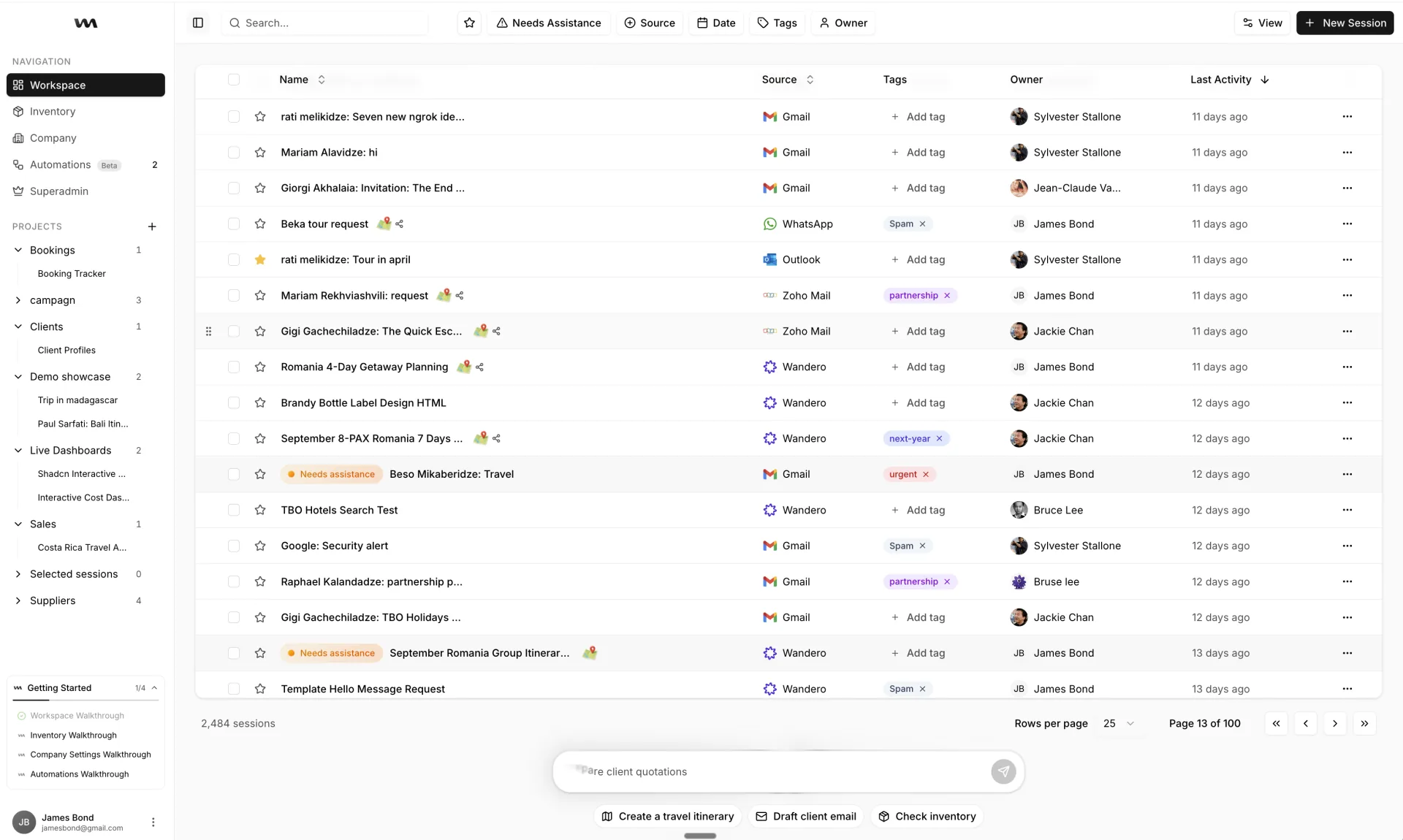
- Wandero drafts replies across Gmail, Outlook, Zoho and WhatsApp in the same workspace as the request, and people can approve, edit or reject that work before it goes out.
- It parses, fills, drafts and checks forms, PDFs, spreadsheets, contracts, Google Drive and Sheets, the kind of preparation work a trace usually finds.
- Wandero does not publish a staffing or productivity multiplier. The result that matters is the change you measure in your own workflow.
What customers say
“It can save a considerable amount of time, improve the quality and presentation of client responses and proposals, and help your team focus more on the client and the travel experience rather than on searching for information.”
“I cannot put an exact number on the productivity increase, but the difference is substantial.”
Limitations
- This guide does not promise a headcount reduction, a response-time improvement or a return on investment.
- Software cannot fix an undefined approval policy, inconsistent source data or unclear ownership on its own.
- Measure one workflow at a time before expanding.
Related resources
Connect travel documents, files, and back-office work to the booking
Prepare, review, and organize forms, PDFs, spreadsheets, contracts, Google Drive files, and Google Sheets with the surrounding trip context.
Turn travel inboxes into an organized operating queue
Connect Gmail, Outlook, Zoho, and WhatsApp so travel inquiries, supplier messages, drafts, files, ownership, and next actions share the same context.
From trip enquiry to a thoughtful proposal
Connect traveller requirements, itineraries, supplier options and follow-ups in one workspace.
ST Costa Rica DMC on an early-stage Wandero rollout
Roberto Pineda of ST Costa Rica DMC on the team's challenges before Wandero and an early-stage rollout in a large organization.
DMC software compared by how it handles partner requests
A dated, Wandero-authored comparison of DMC software types, with vendor facts from each vendor's own website and a test to run with one partner request.
